Cosmic Call: UI Assets and Textures
Cosmic Call is a 3D multiplayer first person shooter that takes place on a futuristic spaceship. Play as either a robot fighting to escape and gain freedom or as an alien trying to preserve order and suppress the rebellion.
This combat game was created in a span of four weeks for MJ John's Game Prototyping class. For this game, I was the UI and 2D Textures Artist. I had the opportunity to collaborate with so many wonderful people, and they are all listed in the About and Credits Section! Please check out their work. You can play the game at https://rhia-a.itch.io/cosmiccall .


Shown above are the initial wireframe sketches. There are sketches for some screens that did not end up being in the game.

Some modified wireframe “sketches” based on the implementations made by Jiaxin.


Up state, hover state, and down state for the first menu button.

A main menu mockup with the button I created. This mockup is using a temporary background.


The UI assets I had made as of 4/13. This includes the second button, input field, and robot HUD assets.

All UI assets (not including assets for the HUD) created as of 4/16. The only assets not used in the final version of the game are the transparent panel and the large panel with no title backdrop.

A mockup of a menu with the panels and text backdrop. This mockup was made for Jiaxin so she could have a better idea of how the text backdrop could be used.

A mockup of the alien HUD using a screenshot from David Stenfors’ Low Poly FPS Pack on the Unity Asset Store. In order to differentiate it, the alien HUD has a blue health bar and a special frame behind the HUD.

The multiplayer screen, room creation screen, and HUD setup in the game with the assets I created. At the time, the screens were using temporary backgrounds. The assets were implemented by Jiaxin.

The HUD in the final version of the game. In this screenshot, the player is on Team Robot as indicated by the orange health bar.


The tileable wall/ceiling textures I created for level 1 (the Boiler Room). I tried creating a texture similar to a “perimeter outlined icosphere.” I uploaded of the texture that could potentially be used in different sections of the level.

The tileable textures I created for level 2 (the Control Room). The bottom row are textures specifically for the floors. The top and middle rows are textures for walls and ceilings.


Screenshots of the UI assets in final iteration the game. The UI was programmed into the game by Jiaxin and the menu background art was drawn by Xiaowen.

The upper floor of level 1 prior to importing the wall and floor assets. The whitebox and layout of this level was created collaboratively by Melody, Usman, and Lajeeth. Screenshot by Melody.

The upper floor of level 1 after importing the wall and floor assets. As mentioned earlier, the floor modular asset was made by Eduardo. Screenshot by Melody.

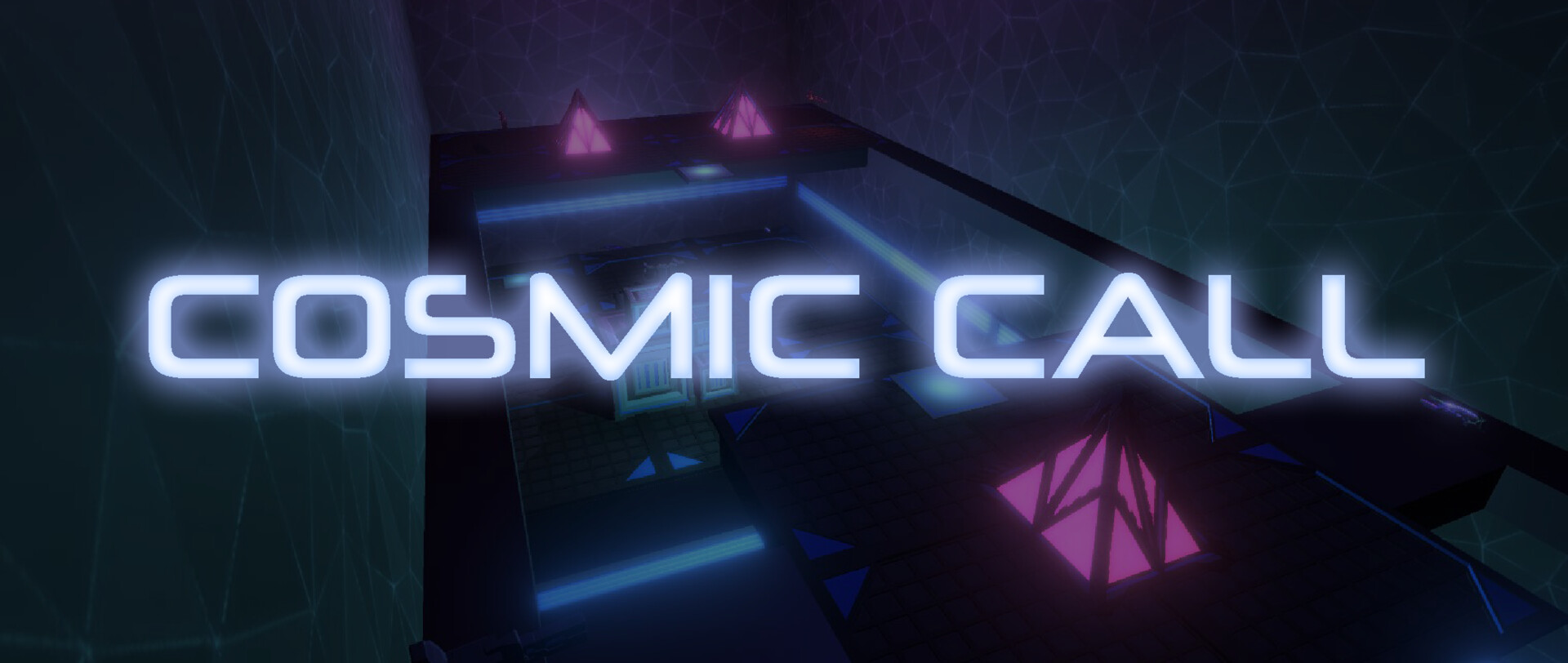
My wall and floor textures imported into level 2. The whitebox and layout of this level was created collaboratively by Melody and Lajeeth. As mentioned earlier, the textures were imported by Xiaowen. Screenshots by Melody.

My wall and floor textures imported into level 2. The whitebox and layout of this level was created collaboratively by Melody and Lajeeth. As mentioned earlier, the textures were imported by Xiaowen. Screenshots by Xiaowen.